
Browser requirement
Chrome 90 or later on Android and Safari 14 or later on iOS cover the vast majority of active devices. Firefox and Samsung Internet also work on supported Android builds.
The sports888 mobile experience runs directly through your browser — no store download needed to reach the full lobby. Check current device compatibility and whether a dedicated app build is available by visiting the sports888 site from your phone.

Most phones and tablets in use across Bangladesh today handle the sports888 mobile lobby without any extra setup. The checks below help you confirm your device is ready before you start a session or make a deposit via Rocket or Nagad.
Chrome 90 or later on Android and Safari 14 or later on iOS cover the vast majority of active devices. Firefox and Samsung Internet also work on supported Android builds.
The lobby adapts to any screen from 360px wide upward. Landscape mode works for live tables; portrait is the default for slots and the sports betting slip.
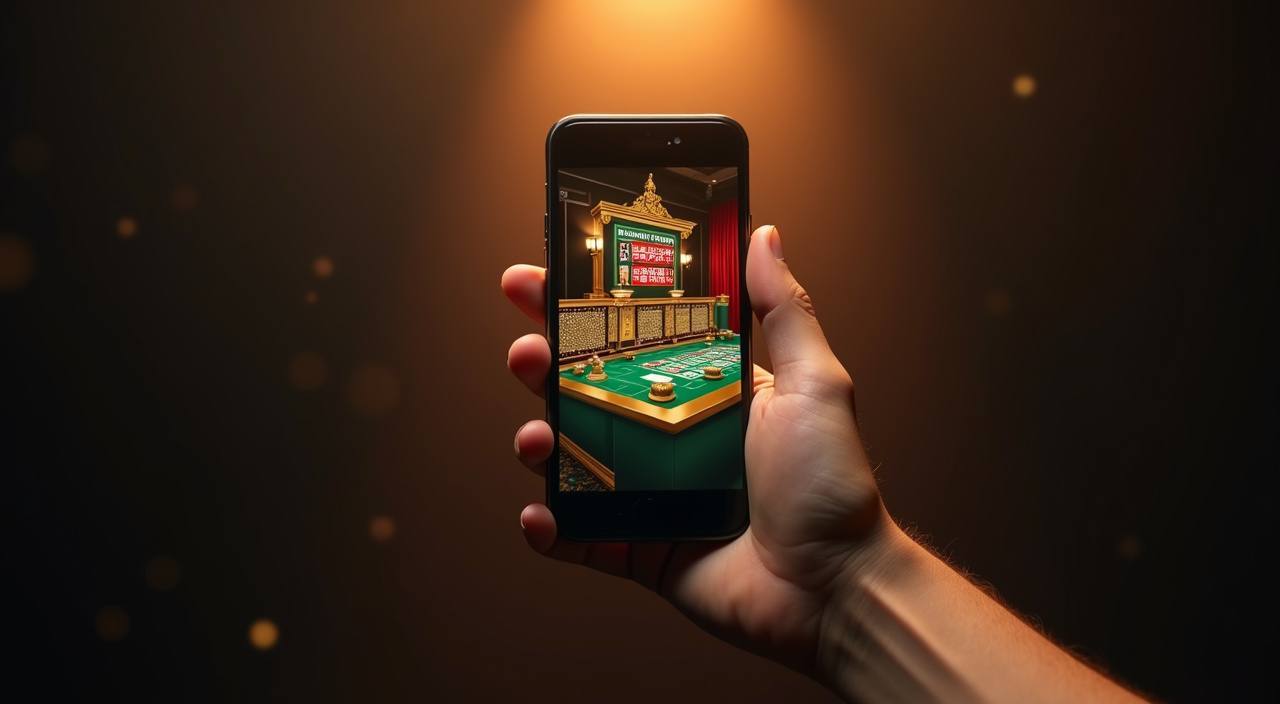
You need an active sports888 account with a verified mobile number. Wallet deposits via bKash, Nagad or Rocket are linked to your account at registration.
These are the functional details that make the sports888 mobile experience worth using daily — not just a scaled-down version of the desktop lobby but a layout shaped around phone habits.
If your Android or iOS device supports biometric authentication, the sports888 mobile login screen surfaces that option so you get into your account without typing each time.
Allow notifications through your mobile browser and we can flag live table openings, cricket match starts and account activity directly to your lock screen.
The mobile lobby reads your system dark-mode setting and switches the interface accordingly — useful when you are browsing late at night without eye strain.
Game thumbnails and category tiles load from cache when your connection is briefly interrupted, so you can browse what is available before the full session reconnects.
Getting into the sports888 mobile lobby takes less than a minute if you follow these steps on any current Android or iOS device. There is no APK file to sideload and no app-store search required — the browser path is the current access method. If a native app becomes available for your region, the site home page will carry a clear download
prompt. Until then, saving the site address as a home-screen shortcut gives you one-tap access identical to a native app icon.
Open the sports888 lobby from your phone and you reach the same content as desktop — live casino tables streamed by Evolution, slots from Pragmatic Play and PG Soft, and the sportsbook where cricket markets including BPL and international fixtures sit alongside other categories. The mobile layout adjusts to portrait mode automatically. Quick deposit shortcuts let you initiate a bKash or Nagad
transfer without leaving the lobby screen. Push notifications, where your browser allows them, flag promotions and match events. The fingerprint login option — shown if your device and browser support it — means you skip typing your password on every session.
Below are the questions we hear most often about mobile access, app availability and how the sports888 lobby behaves on phones used across Bangladesh.
Service availability depends on eligible regions and local law. Users should check local rules before opening an account.
Access may be available only where local law permits.